Menu on Image
Different ways of offerring this. Do we want:
- an Image or IWT as first block on the page, and the menu is transparent until it scrolls down. Do we need to enforce the existence of an image with Drupal (only allow the option to be chosen if the first section contains a 100% width Image?), or check for it with JS (only make the header transparent if there is an image block first?
- Sitewide, an image underneath the header (Surf) or header and menu (optional with Stone) (as on this page)
There might be challenges with ensuring text is visible at all sizes,and there might be issues with the Stone theme.
Options:
- darken background image?
- blur background image?
- frosted glass beneath text?
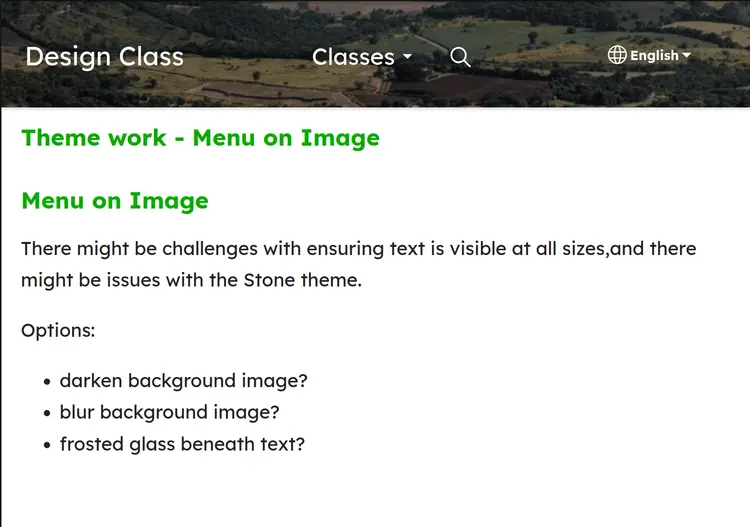
Darkened image to increase contrast with text
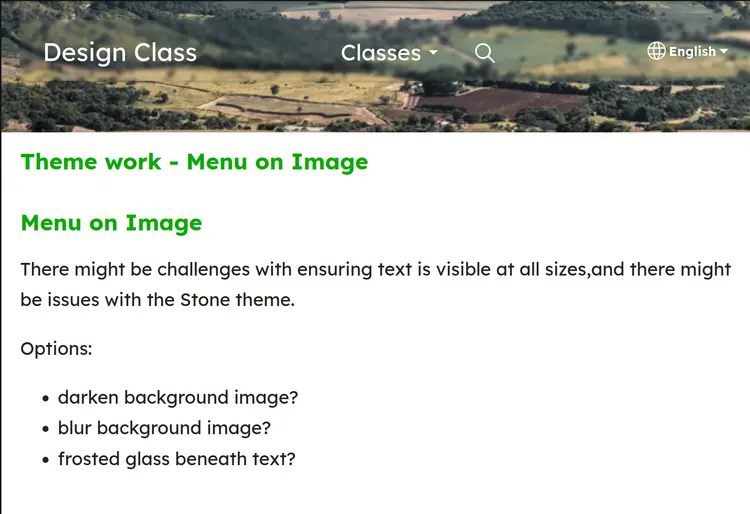
blur behind text bar:
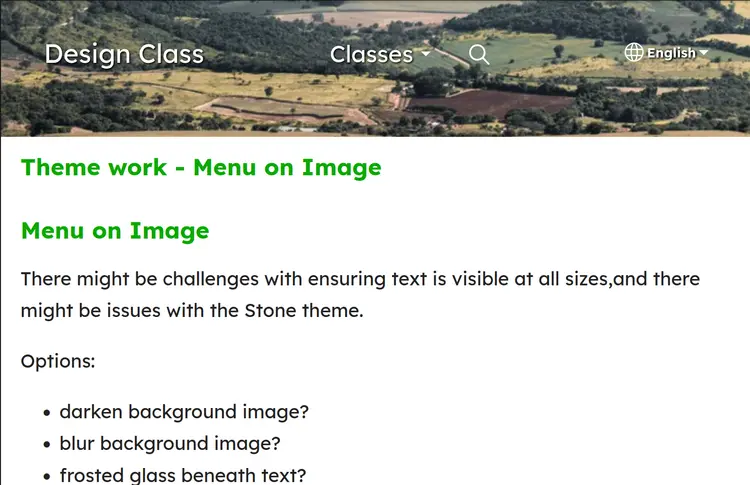
Text has text-shadow effect to stand out from background image:
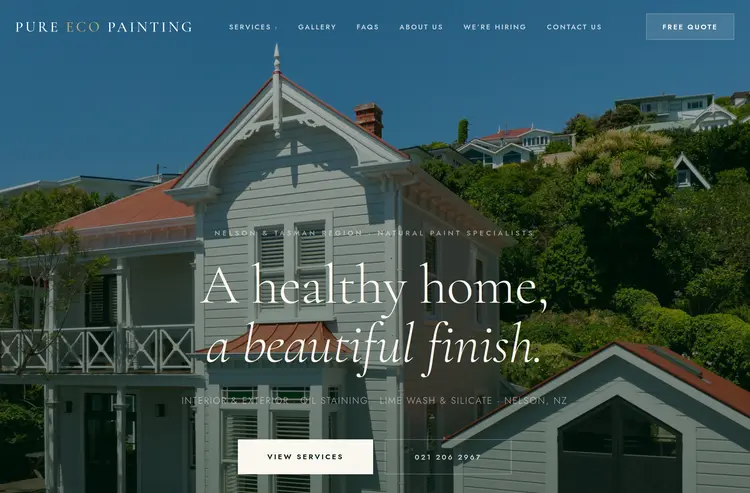
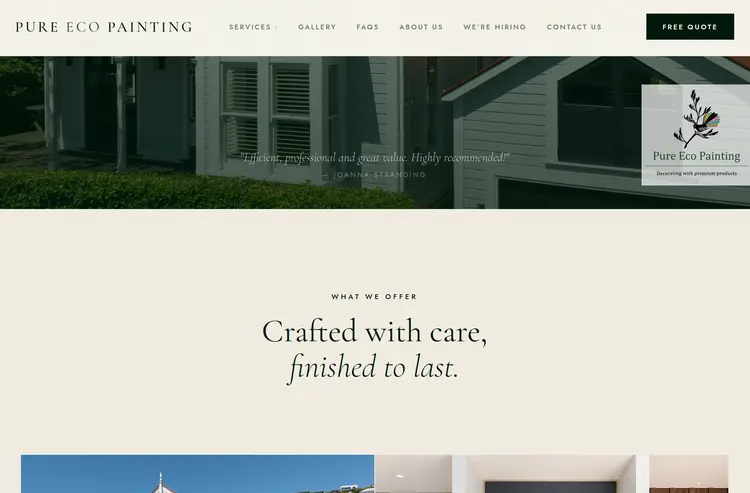
Example of IWT underneath menu
Notice they carefully chose their image to have only blue sky underneath the menu.
https://pure-ecopainting.nz/